I had an idea in the middle of the month
Take advantage of a trend or a sudden idea without wasting time building the post from scratch.
Steps
The screenshots show RedesIA and the other apps with their interface in Spanish; the steps are the same in English.
- 1
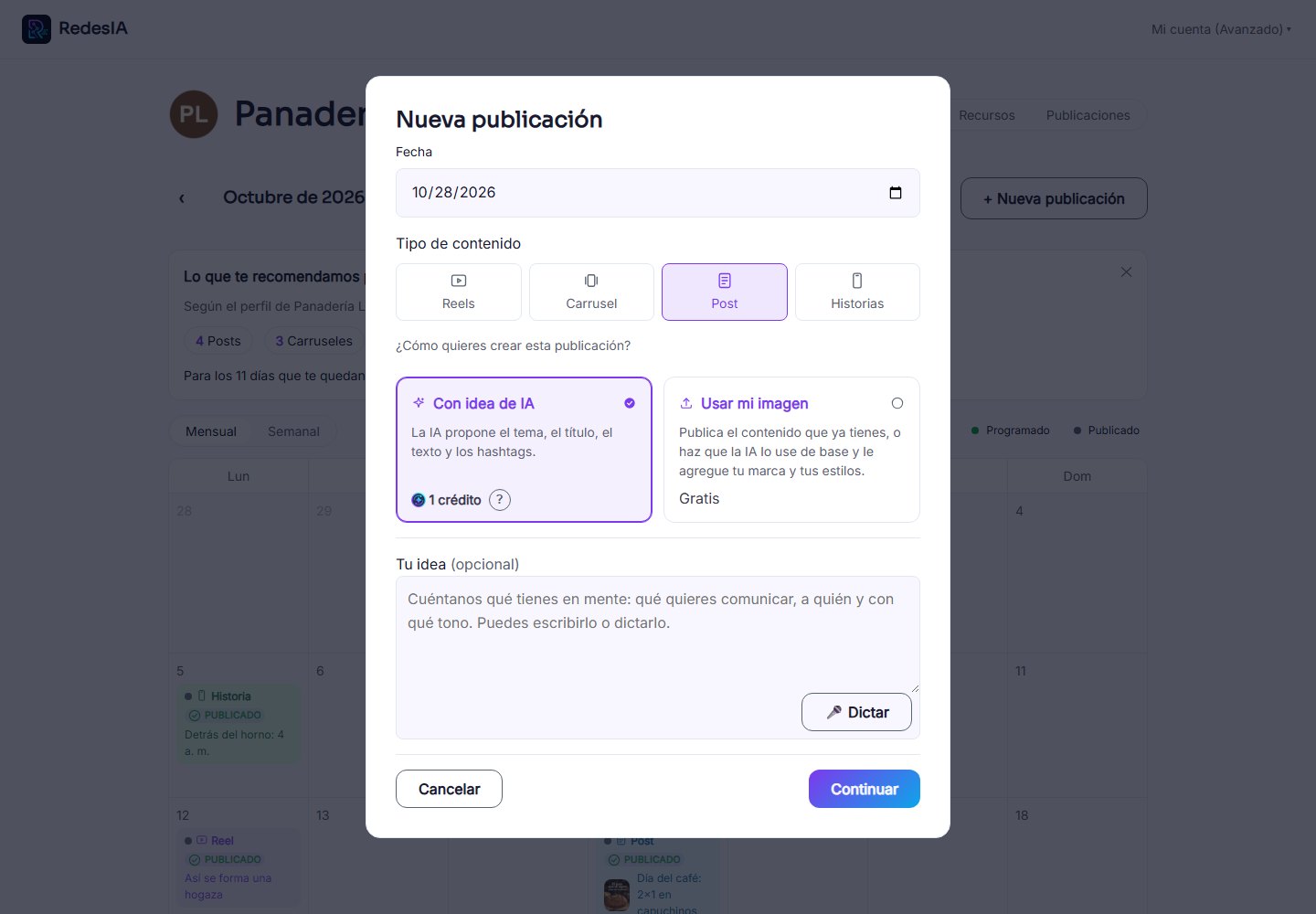
Open "New post" and choose the type
From the calendar, on any day: choose whether it will be a post, carousel, image or story, and have RedesIA create it from an idea.
- 2
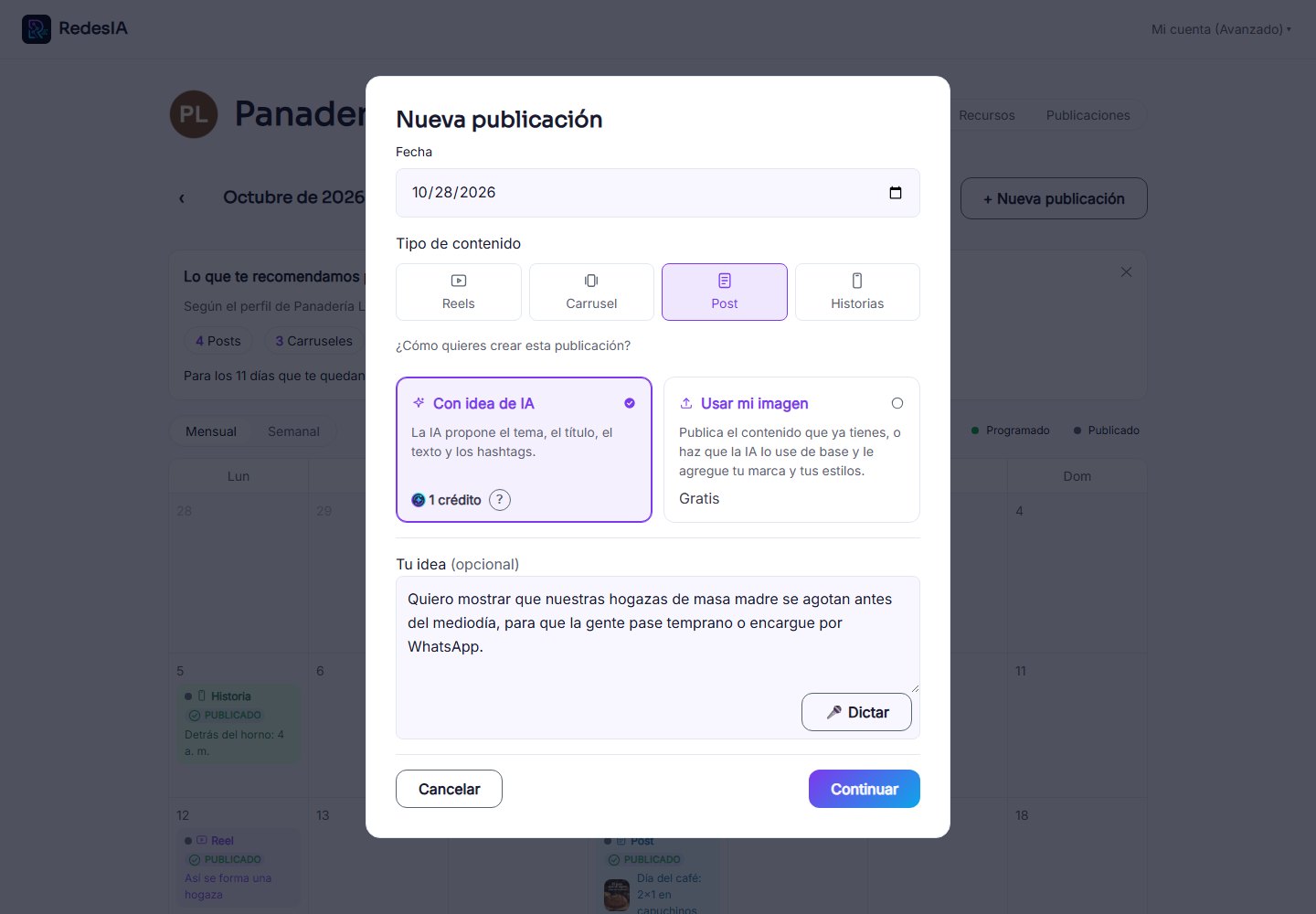
Tell us your idea
In the one box, say what you have in mind: the trend or idea, what you want to communicate and in what tone. You can type it or dictate it with the microphone. If you leave it empty, the AI decides.
- 3
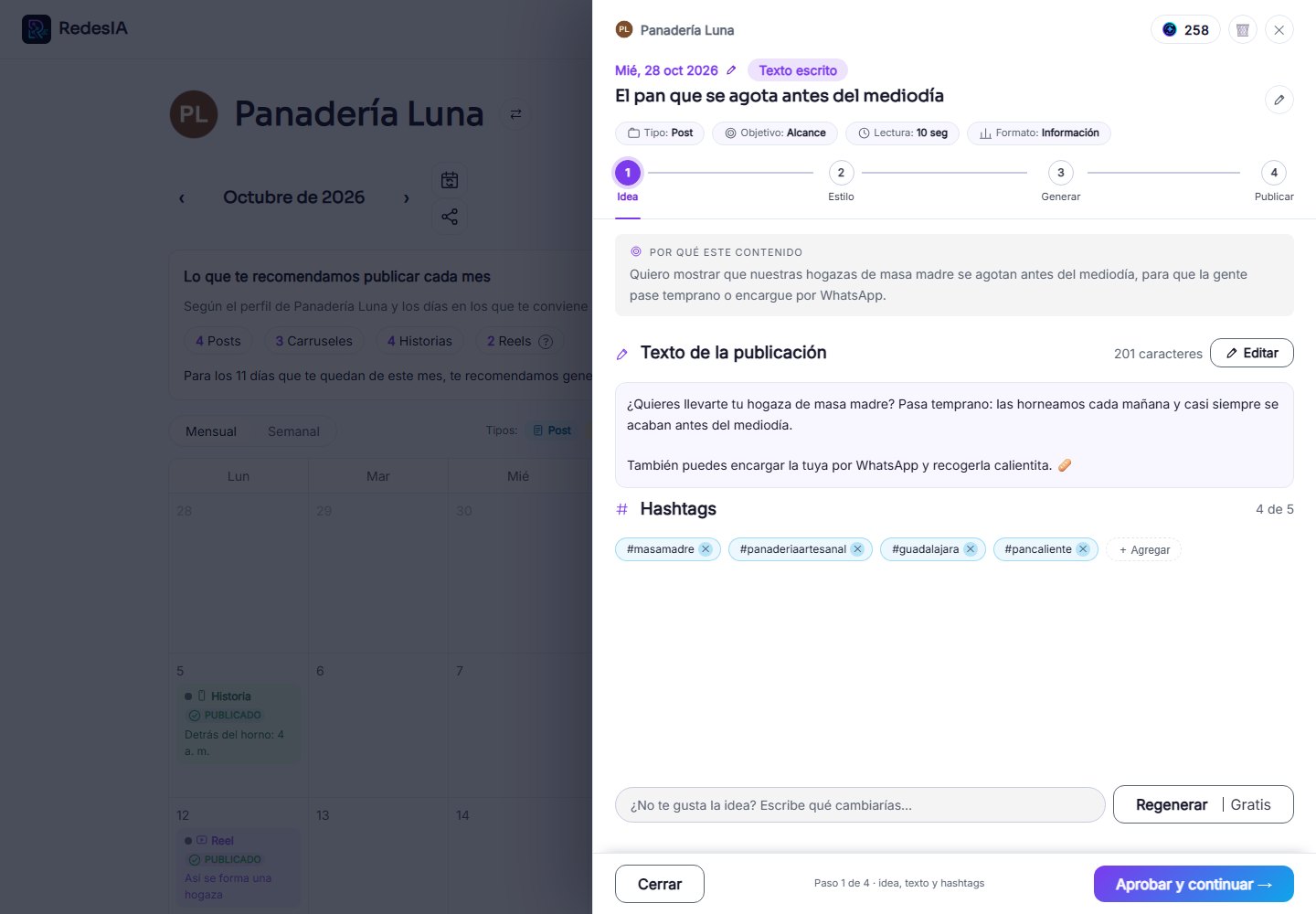
RedesIA generates the post text
It puts together the title, the post text, the hashtags and the angle of the idea. If you don't like it, you can ask for another version: the first two are included.
- 4
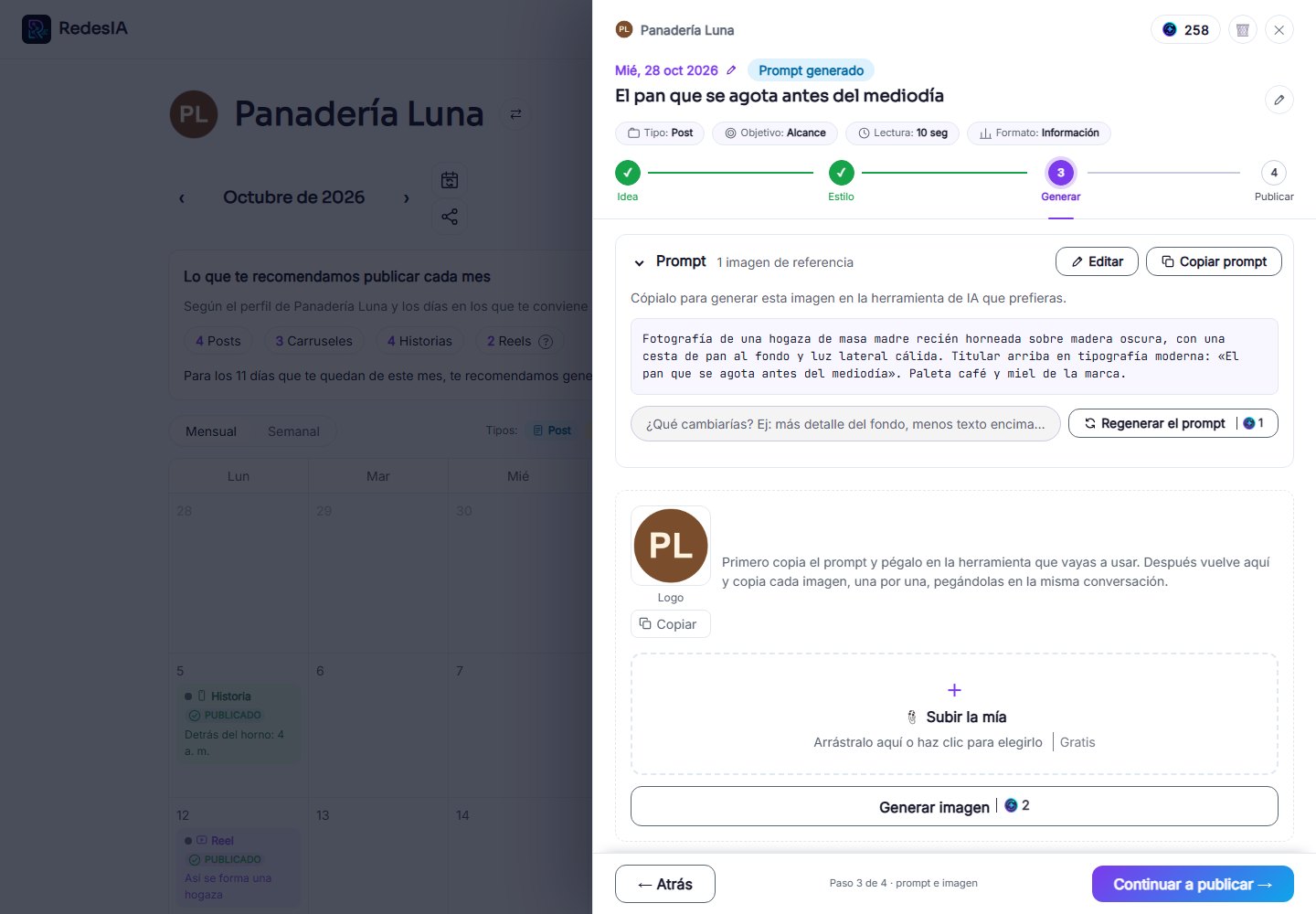
Generate the visual prompt
You can first see just the image prompt before generating the image, to confirm it's heading in the direction you want.
- 5
Generate the image and review the result
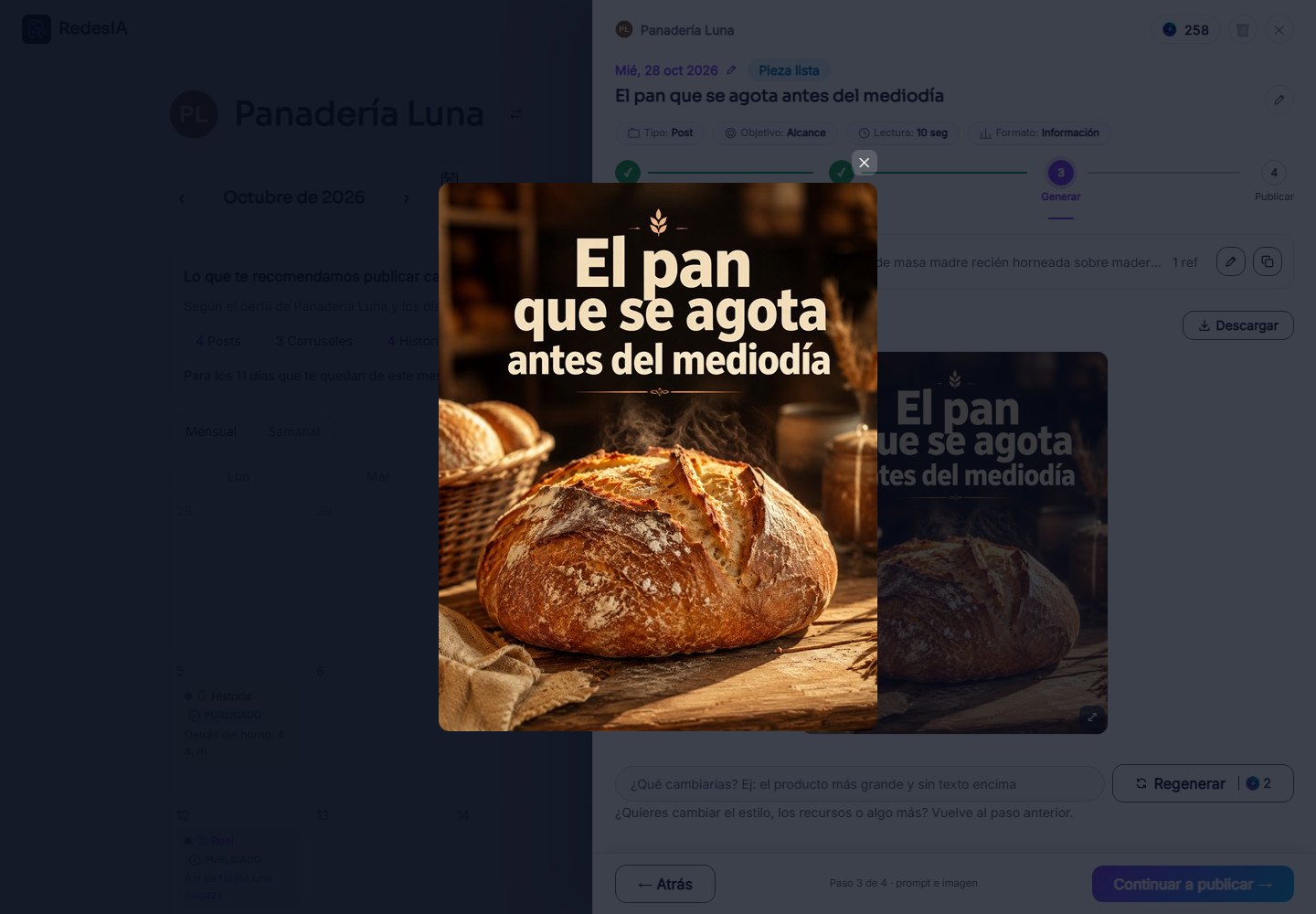
With the prompt approved, generate the final image and follow the usual flow to publish or schedule.