I have my own asset to publish
Upload something real from your business and publish it as it is, or let RedesIA use it as the base for a post with your brand.
Steps
The screenshots show RedesIA and the other apps with their interface in Spanish; the steps are the same in English.
- 1
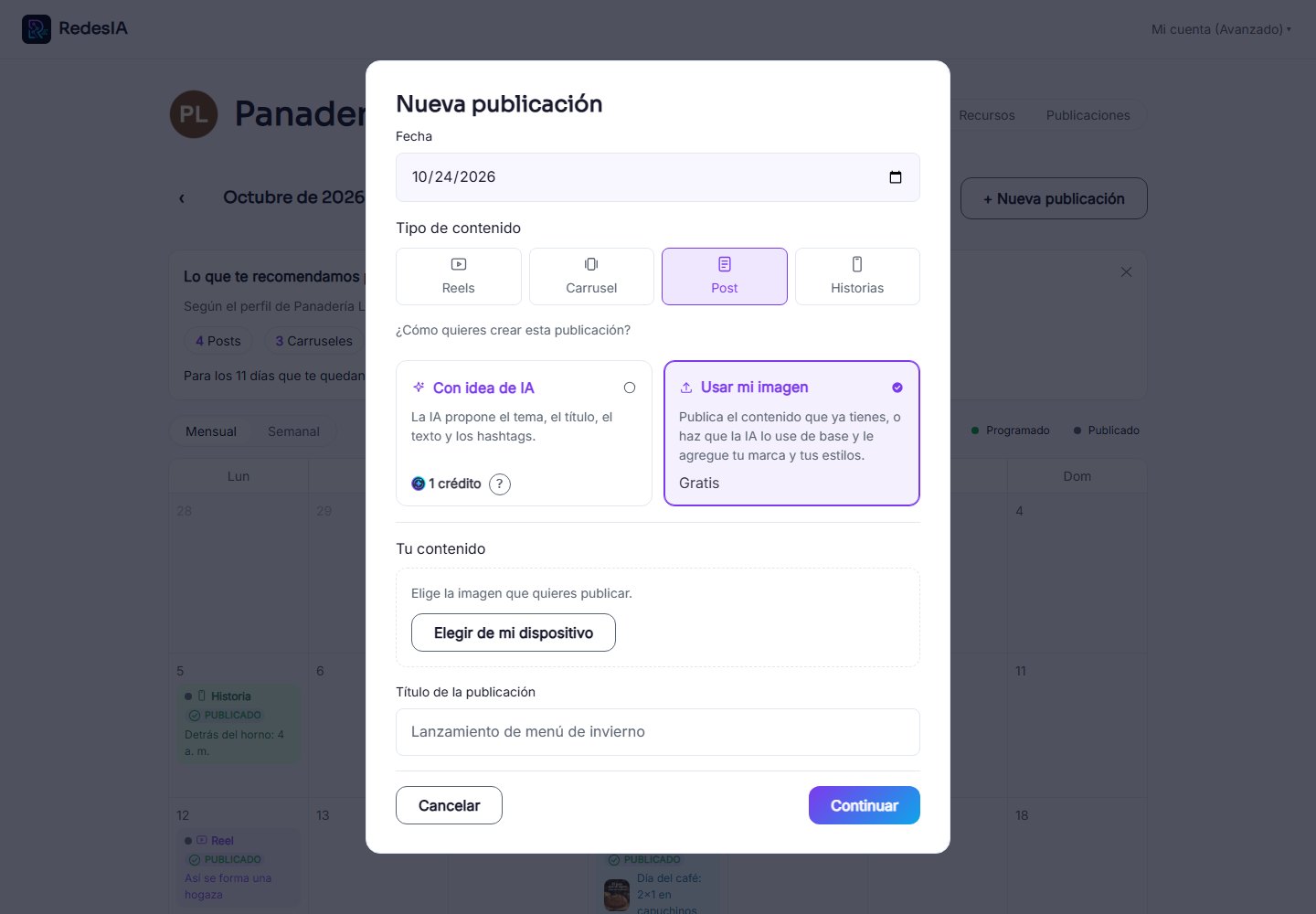
Choose "Use my image"
In "New post", pick the second option: "Use my image" (or "my images" for a carousel, "my video" for a reel). It is free.
- 2
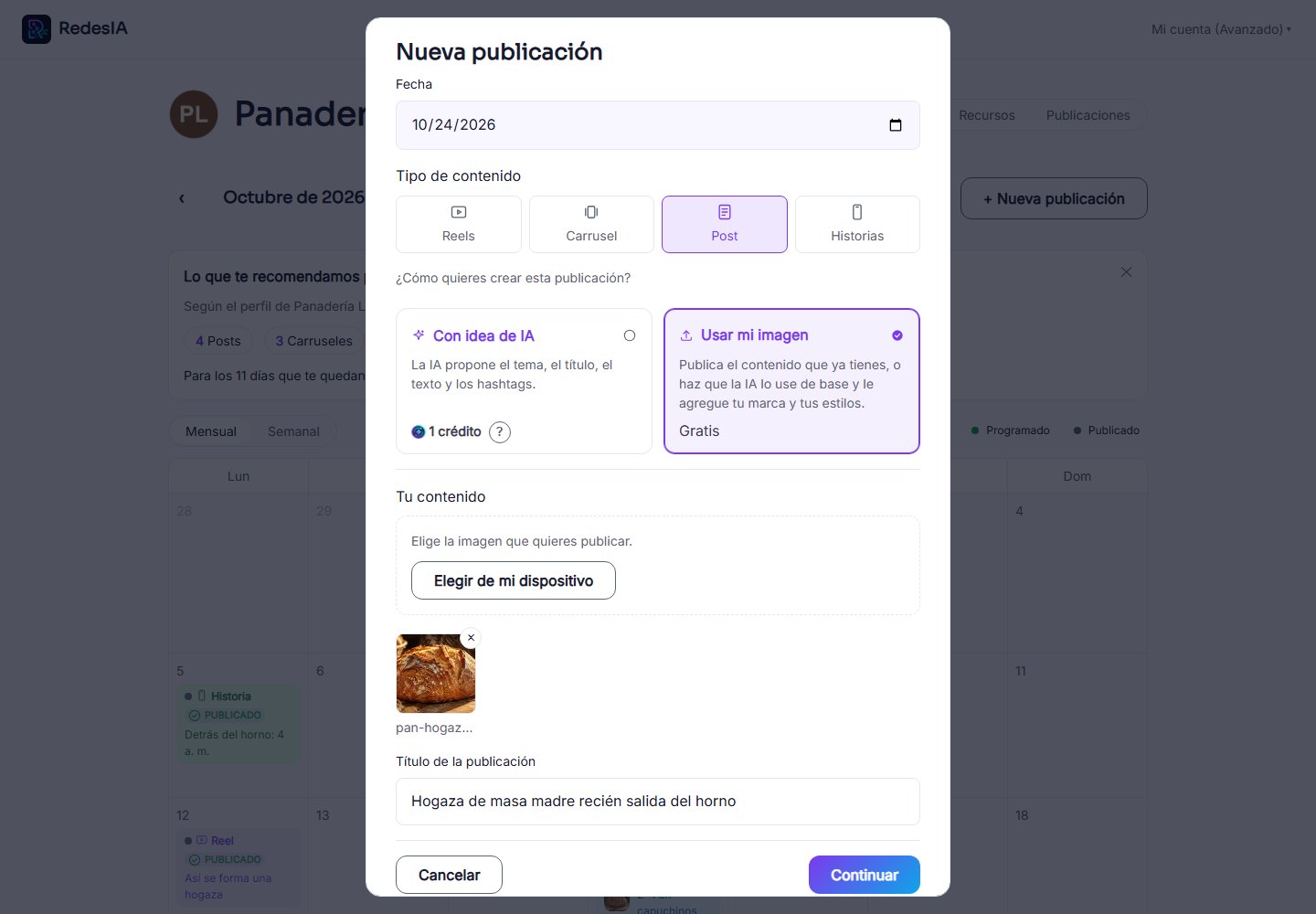
Upload your photo and give it a title
Choose the real photo of your product, for example a new product that just arrived, and write the title of the post.
- 3
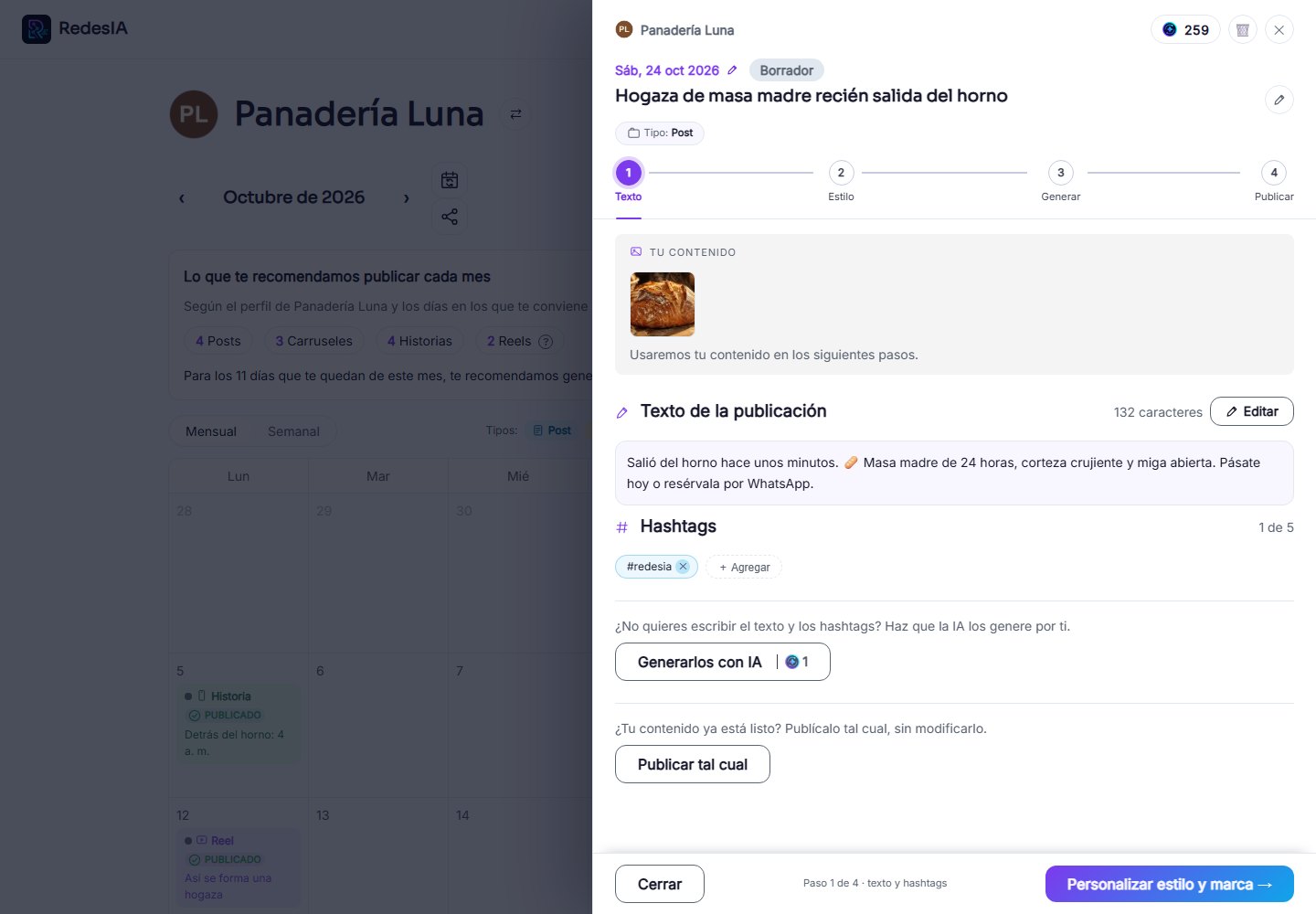
Write the text, or have the AI write it
Write the text and hashtags yourself, or press "Generate them with AI": it looks at your photo and the title and writes them for you.
- 4
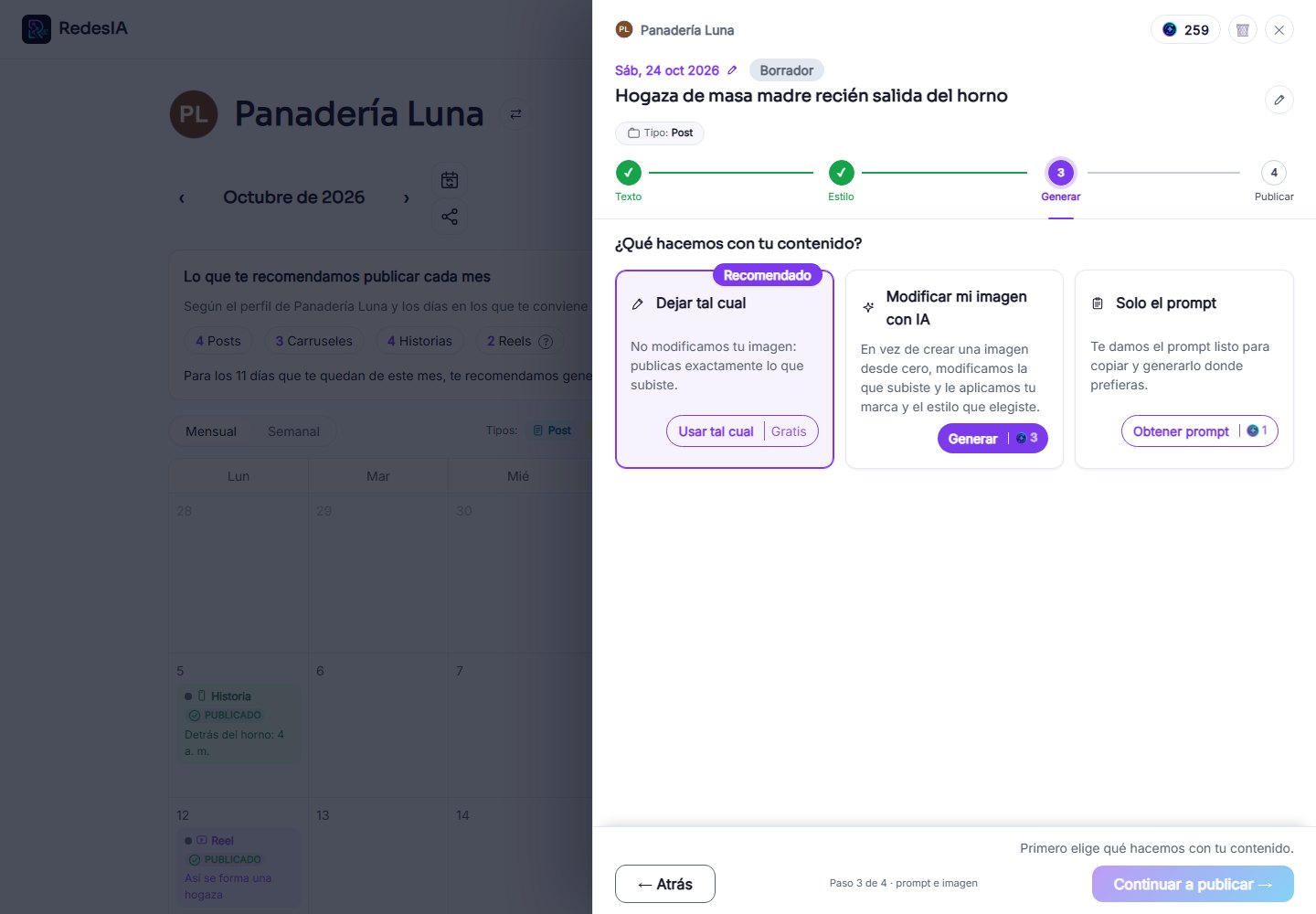
Decide what we do with your photo
You can publish it as it is, or choose a style and have the AI modify it with your brand. If you choose no style, leaving it as it is is the recommended option.
- 5
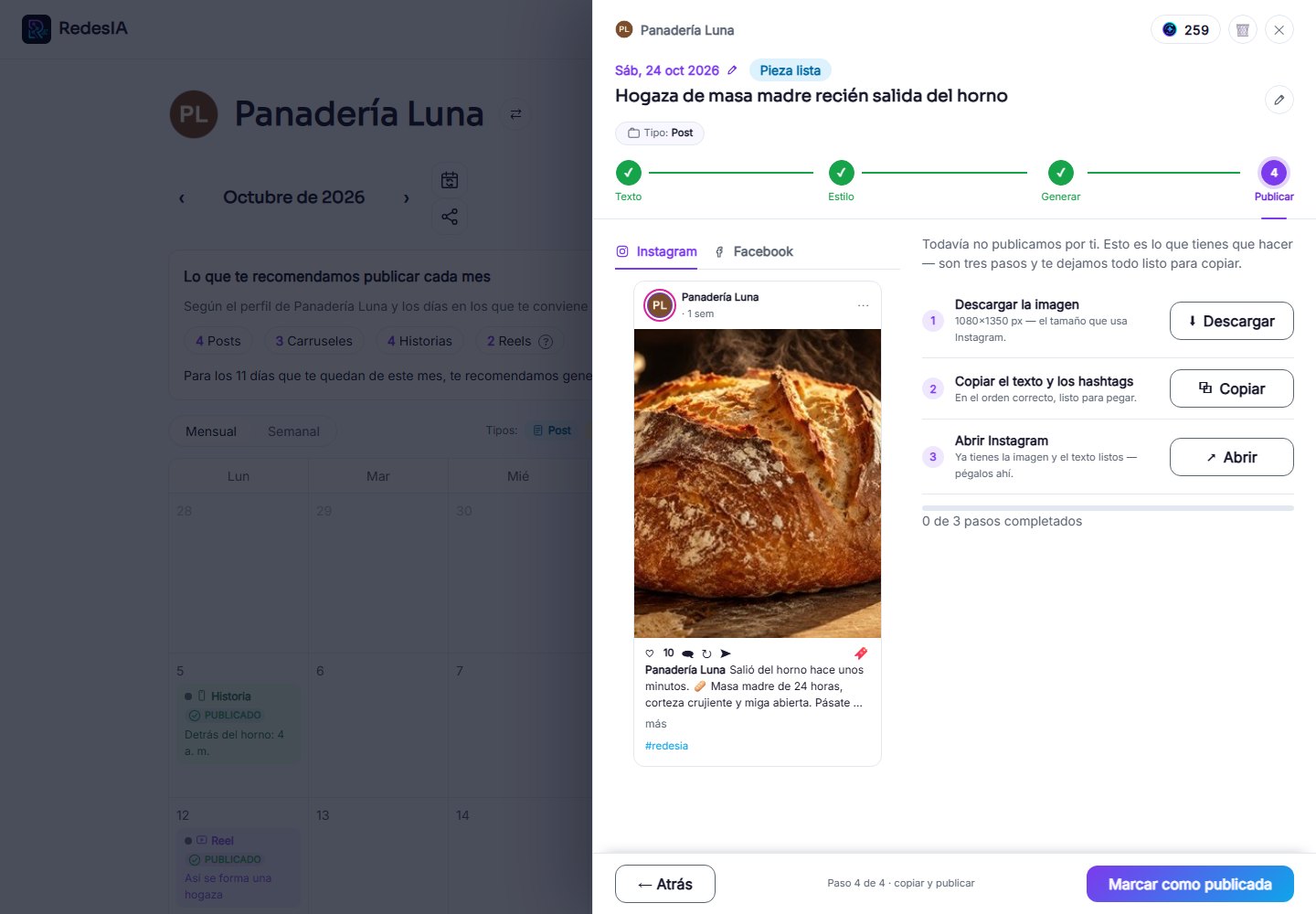
Review the result and publish
With the image ready, follow the three steps: open Instagram, download the image, and copy the text and hashtags.